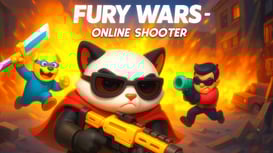
1. Fury Wars - Online Shooter
A fast online shooter pick when your group wants movement, aiming, pressure, and quick rematches in the browser.
Play nowFriend-ready browser picks
The best browser multiplayer games to play with friends start fast, make the rules clear, and let you choose the right social format: public online matches, team battles, party-style hiding, quick sports rounds, or local 2 player games on the same keyboard.
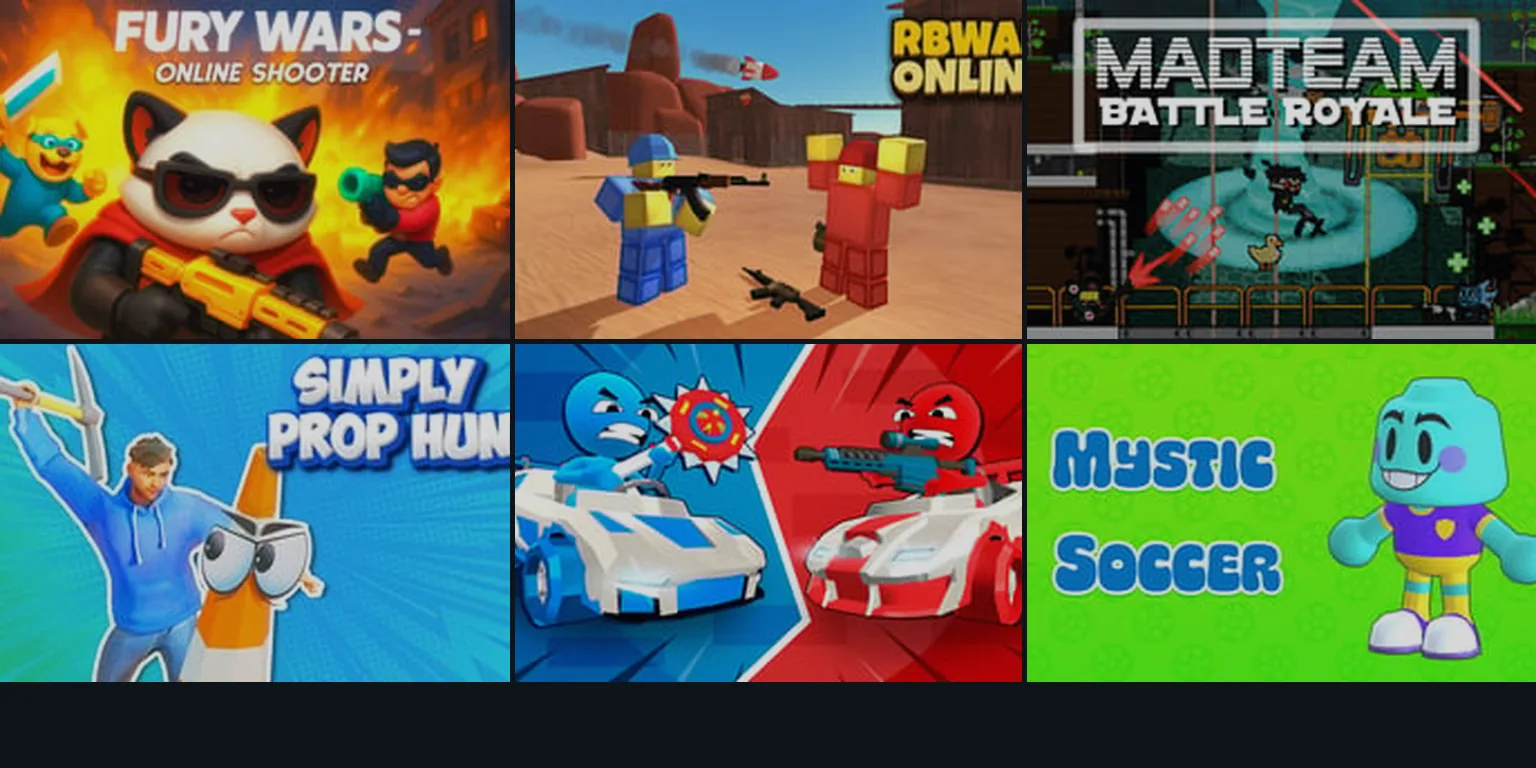
If you want a browser game to play with friends tonight, choose the social setup first. Pick Fury Wars or RBWAR Online for fast public-match action, Simply Prop Hunt for a party-style hide-and-seek mood, Stickman Battle 1-4 Players for local shared-keyboard play, and Mystic Soccer when you want a quick competitive sports round without learning a huge system.
This guide focuses on no-download multiplayer web browser games already available on GameHa. Some games are built around live online opponents, while others work better as same-room 2 player or small-group picks. That distinction matters more than genre when you are trying to get friends into a game quickly.
Use these cards as a practical starting list. Each game links to a playable GameHa route and uses the site's own game media, not unrelated stock art.
A fast online shooter pick when your group wants movement, aiming, pressure, and quick rematches in the browser.
Play now
A red-vs-blue battle choice for players who want team color clarity and direct competitive action.
Play now
A battle royale-style pick for friends who prefer louder matches, survival pressure, and repeated drops.
Play now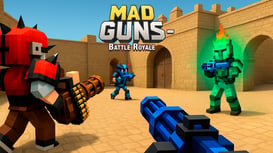
A battle royale-style pick for friends who prefer louder matches, survival pressure, and repeated drops.
Play now
A party-style hide-and-seek game that works well when the group wants jokes, suspicion, and quick discovery.
Play now
A softer online team pick for players who want a lighter multiplayer tone than a full shooter.
Play now
A local 1-4 player option for same-room play, shared screens, and simple competitive rounds.
Play now
A sports match pick when friends want timing, goals, and short competitive sessions.
Play now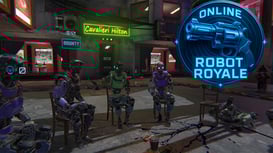
A browser arena pick for players who like movement, risk, and quick tactical decisions.
Play now
A browser arena pick for players who like movement, risk, and quick tactical decisions.
Play now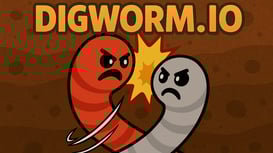
A .io-style browser game for public-room play, quick entry, and low setup friction.
Play now
A .io-style browser game for public-room play, quick entry, and low setup friction.
Play now| Group mood | Best browser mode | Try on GameHa | Why it fits friends |
|---|---|---|---|
| Competitive voice-chat night | Online shooter or team battle | Fury Wars, RBWAR Online | Matches start quickly, teammates can call targets, and losing a round does not end the session. |
| Party chaos | Prop hunt or playful arena game | Simply Prop Hunt, Team Fluffy Online | These picks work when jokes, surprise, and low-pressure moments matter more than perfect aim. |
| Same-room play | Local 2 player or shared-keyboard game | Stickman Battle 1-4 Players | One screen and simple controls make it easier to start without accounts, rooms, or long setup. |
| Short sports rivalry | Quick competitive sports | Mystic Soccer | Goals and timing are easy to understand, so friends can compete without reading a long guide. |
| Drop-in public rooms | .io or online arena game | Digworm.io, Caravels.online | Good when friends want something that feels alive even if everyone joins at a different time. |
Friends lose patience when setup takes longer than the first match. A strong no-download multiplayer game should explain the goal quickly and place the play area near the top of the page.
Team colors, clear opponents, obvious hazards, and simple objectives make a browser multiplayer game easier to share over voice chat or in the same room.
Games for friends work best when a loss turns into another attempt instead of a long wait. Shooters, party games, sports rounds, and .io games all benefit from quick resets.
Shared-keyboard games are best for local play. Online shooters usually feel better on desktop. Tap-friendly party or .io games may be easier for mixed devices.
Searches for co op browser games often mix several intentions. Some players want true cooperation, some want any game that supports friends, and some want a competitive game they can join together. On GameHa, the safest way to pick is by the experience you want:
| Term | What it usually means | Best GameHa fit |
|---|---|---|
| Browser multiplayer games | Any browser game with other players, teams, public rooms, or local multiplayer controls. | Fury Wars, RBWAR Online |
| Co op browser games | Games where players coordinate, share a goal, or at least join the same side. | Team Fluffy Online, RBWAR Online |
| 2 player browser games | Often means two people on the same device or two friends looking for a quick head-to-head match. | Stickman Battle 1-4 Players, Mystic Soccer |
| Games to play with friends online | A broader search for low-friction games that can be shared in chat and understood quickly. | Simply Prop Hunt, Digworm.io |
For broader no-download recommendations, read the best browser games 2026 guide. If your group prefers slower progress instead of competitive rounds, try the idle clicker games collection. For role-play and management loops, the free browser simulator games guide is the better next stop.
Good starting picks on GameHa include Fury Wars, RBWAR Online, Mad Team Battle Royale, Simply Prop Hunt, Stickman Battle 1-4 Players, Mystic Soccer, Digworm.io, and Caravels.online. Pick the game by setup: online action, party play, local multiplayer, sports, or .io-style public rooms.
Yes. The games linked in this guide are designed for browser play from GameHa pages. You may still need a modern browser and a stable connection, especially for online action games, but you do not need a separate desktop installer to start.
Stickman Battle 1-4 Players is the clearest local shared-device pick in this list. Same-room multiplayer usually works best when the controls are simple, the screen is readable, and each round is short enough for quick rematches.
No. Many people use co op browser games to mean any game they can play with friends, but true co-op means players share a goal. Team battles sit in the middle because you cooperate with teammates while competing against another side.
Some do, but competitive shooters and games with precise camera movement usually feel better on desktop. Mobile-friendly multiplayer games are usually simpler, tap-first, or slower paced. If your group uses mixed devices, start with a lower-pressure game before a fast shooter.